
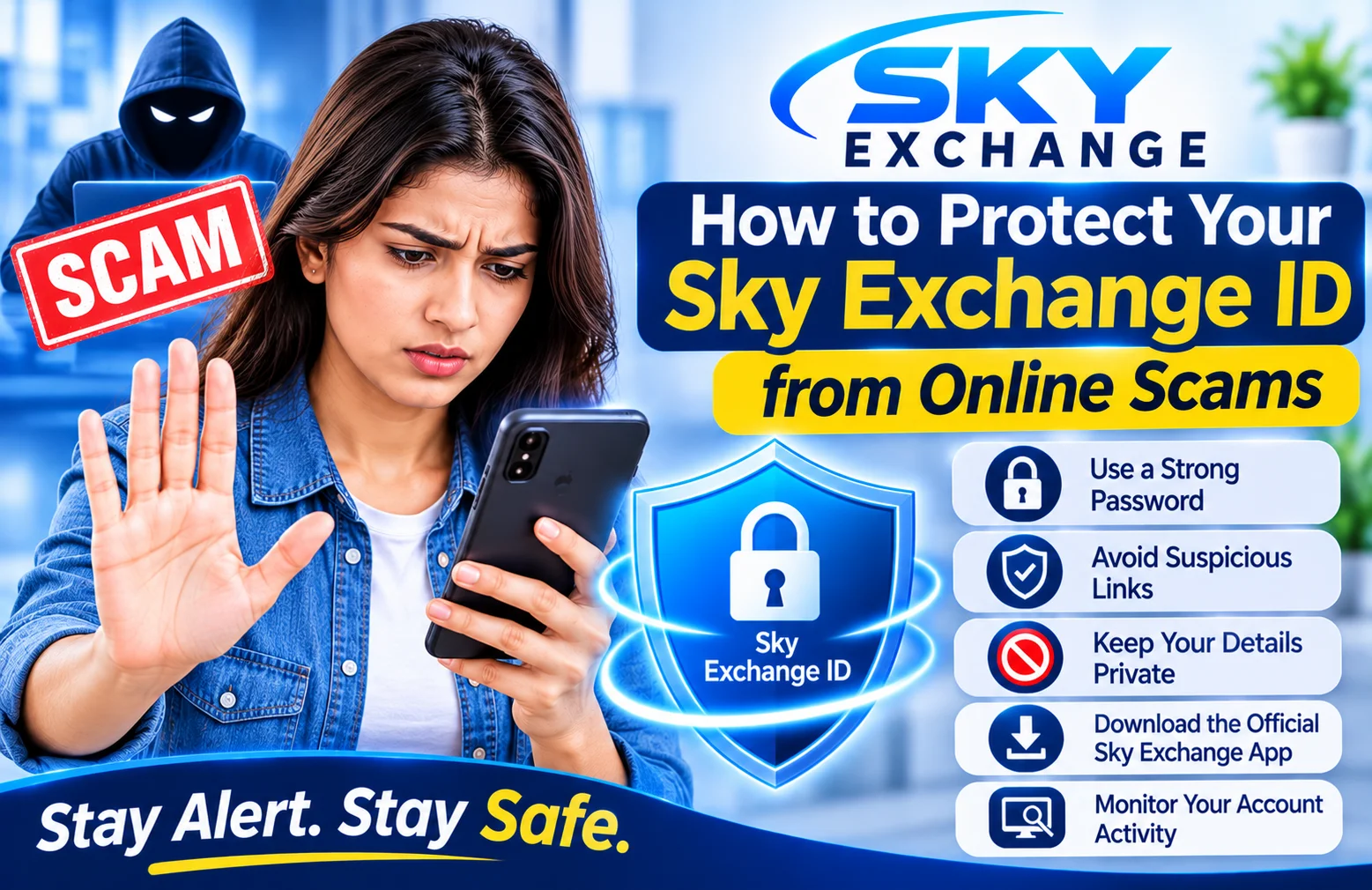
For users of websites and smartphone apps, online scams are a rising issue. Personal information can be placed at risk through fake websites, suspicious messages, phishing links or fraudulent support accounts. Users should know these threats before giving details of their accounts online.
It is a key consideration if you use or are looking into Sky Exchange; it is vital to protect your Sky Exchange ID. Your login ID and personal information should remain confidential. By adopting a few simple security practices, the chances of unauthorized access and online fraud can be minimized.
We’ve outlined some of the most popular scams, how to identify them and some helpful tips on protecting your Sky Exchange account.
1. Understand Common Online Scams
It is helpful to be familiar with how online scams operate prior to protecting your Sky Exchange ID. Fraudsters can attempt to obtain a password, verification code or personal information in a variety of ways.
Some of the more common ones are:
- Phishing websites: Fake websites designed to collect login details.
- Fraudulent messages: Emails or messages containing suspicious links.
- Fake support accounts: People pretending to represent a platform’s customer-support team.
- Imitation applications: Unverified apps that may collect personal information.
- False promotional offers: Messages promising unrealistic rewards or benefits.
It is beneficial to learn these techniques in order to identify suspicious activity that could lead to disclosure of confidential information.
2. Keep Your Sky Exchange ID Private
An important aspect of your account information is your Sky Exchange ID. You might end up receiving unwanted messages, getting impersonated or facing other security issues.
Follow these precautions:
- Do not share your login credentials with strangers.
- Avoid posting account information on public websites.
- Never send screenshots containing sensitive details.
- Be careful when discussing your account on social media.
- Do not provide confidential information to unverified agents.
Do not share your Sky Exchange ID or other account information, even if they say they’ll be able to help you.
3. Use a Strong and Unique Password
An easy-to-crack password can make an online account easier to access. Simple passwords such as names, birthdays, and number combinations are not recommended.
To log into Sky Exchange in a more secure way, make a hard-to-guess password.
Password security tips:
- Use a long and unique password.
- Combine uppercase and lowercase letters, numbers, and symbols.
- Avoid using personal information.
- Never reuse passwords from other websites.
- Consider using a reputable password manager.
- Change your password if you believe it has been exposed.
A unique password helps reduce the risk of one compromised account affecting other online accounts.
4. Avoid Fake Sky Exchange Websites
A frequent online scam is to develop fake websites that resemble popular sites. These sites might use the same logos, colours, page layouts to look authentic.
An imposter site could request the customer to provide their Sky Exchange ID and password, or other personal details.
When shopping online, be sure to check the following:
- Review the complete website address.
- Look for unusual spelling or extra characters in the domain.
- Avoid clicking unexpected login links.
- Verify the website through reliable, independent sources.
- Do not ignore browser security warnings.
If you are unsure whether a website is genuine, do not enter your Sky Exchange login details.
5. Be Careful with the Sky Exchange App
Mobile apps can offer easy entry to web-based services, but can also lead to security threats.
Before installing, check the publisher and source from which you’ll be downloading the Sky Exchange app.
Important mobile safety practices:
- Be sure to read the app publisher thoroughly.
- Stay away from unofficial or altered APK files.
- Review application permissions.
- Update the operating system of your smartphone.
- Uninstall suspicious applications.
- Never disable security features on devices to install an unknown application.
Do not trust an application just because it has the name or logo of Sky Exchange.
6. Never Share Passwords or Verification Codes
Impersonating customer support representatives, scammers may reach out to users. They may request a password, one-time password (OTP) or other verification codes.
These requests should be taken as a red flag.
Remember:
- Don’t send a password via text or phone messages.
- Avoid sharing one time verification codes.
- Don’t share screenshots of your account with strangers.
- Don’t do what unsuspecting support accounts tell you to do!
- Check contact details for support independently.
Your sign in information, such as your username and password, should be kept confidential. You shouldn’t have to give your password to a “helper” when dealing with your Sky Exchange account.
7. Recognize Suspicious Messages and Offers
Scammers may lure you with enticing offers or urgent messages to make you jump into an action without verification.
For instance, a message might say that your account will be suspended if you don’t click on a link right away. Another message may offer you rewards that you are guaranteed if you provide your logon data.
Keep an eye out for these signs:
- Urgent messages that are not necessary.
- Offers which seem impossible.
- Attachments or links that do not appear to be known.
- Requests for passwords or OTP’s.
- Lack of clear instructions when addressing accounts.
- Fake social media pages with support claims.
Don’t reply to unusual emails. Check crucial account details with independent and reliable sources.
8. Protect Your Smartphone and Computer
Your device is an important part of your online security. Even if you have a strong password, your personal information could be at risk if your device is infected or not protected.
Whether you access Sky Exchange through a browser or the Sky Exchange app, maintain good device-security habits.
Device protection checklist:
- Use a screen lock or biometric protection.
- Install operating system updates.
- Download applications only from trusted sources.
- Avoid unknown files and attachments.
- Use reputable security software where appropriate.
- Do not leave your device unlocked in public places.
- Log out after using a shared device.
These steps can help protect your Sky Exchange login information and other personal details.
9. Use Secure Internet Connections
If your Internet connection is unsafe, you could be vulnerable to other privacy and security threats. The security of public Wi-Fi networks, particularly those you don’t recognize, cannot guarantee the same level of security as a private network you trust.
Please note, before you log in to your account:
- Prefer a trusted private network.
- Avoid entering sensitive information on unknown public Wi-Fi.
- Do not ignore browser security warnings.
- Avoid suspicious pop-ups and redirects.
- Disconnect from networks that appear unusual.
A secure connection is an important part of safer online account access.
10. Monitor Your Account Activity
If you have access to your account’s history, regularly review your activity to see for any unusual activity.
Check for anything new in logins, changes or activity you don’t recognize.
If you see anything suspicious:
- Stop using suspicious websites or applications.
- Change your password through a verified channel if your credentials may be exposed.
- Review account activity if the platform provides this option.
- Contact support through independently verified contact details.
- Secure your device and remove suspicious applications.
- Do not share verification codes with anyone.
Taking action quickly may help reduce further security risks.
11. Avoid Fake Customer-Support Accounts
The fraudulent support accounts may be found on social media platforms, messaging apps or other online platforms. They could also leverage trusted logos or names to establish trust.
Do not contact someone if you have any problems with a Sky Exchange log-in, check the support channel separately first.
Beware of an account with a recognizable logo. Never share passwords, OTP, payment information, or any other confidential information with unknown people.
12. Follow Responsible and Legal Online Practices
Security on an account is just one aspect of responsible account use on online platforms. Prior to registering for a user account and using the platform, users should be aware of the platform’s terms, privacy policy, age restrictions and relevant local laws.
Some areas may have restrictions or bans on online betting and gaming. Before using such services, be sure to check what the legal requirements are where you are.
Never give out financial details to strangers and don’t decide under pressure or pressure from online messages.
Frequently Asked Questions
1. How can I protect my Sky Exchange ID from online scams?
Ensure that login information remains confidential, the password is robust, there are no unsuspecting links and the platform is accessed via trusted methods only.
2. How can I identify a fake Sky Exchange website?
Always check that the website is the correct one, have the right spelling, don’t have any links you don’t expect and verify the web by trustworthy sources.
3. Is it safe to share my Sky Exchange login password with customer support?
No. Don’t give your password or one-time verification codes to anyone who says they are helping you.
4. How can I check whether the Sky Exchange app is safe?
Check publisher and download source, read application permissions and be careful of unofficial or modified APK files.
5. What should I do if I accidentally click a phishing link?
Don’t enter any data. Change your password using a verified service if you already shared them, secure your device and contact the relevant verified service.
6.Why should I use a unique password for my Sky Exchange account?
An account password unique to this site will help to prevent someone who has discovered a password at another site from using it to access your Sky Exchange account.
7. What are the warning signs of an online account scam?
Common warning signs include unexpected login links, urgent messages, unrealistic offers, requests for OTPs or unverified support accounts.
Final Thoughts
One of the most important steps you can take to secure your Sky Exchange ID from online scams is to be aware of and practice security routines. Online users can be at risk because of fake websites, phishing messages, fake applications, and fake support accounts.
Make sure you have a strong and unique password, don’t share your Sky Exchange log-in information or install the app from an unknown source. Don’t follow links when you don’t know the source, refrain from taking account information out of your accounts, and watch for account activity if it’s available.
Most importantly, don’t rush if a message or website is requesting personal information. Always check the source before engaging in a reply. Being vigilant can help you minimize some of the more frequent online security threats and keep your personal information safe.